Stop Keeping It All in Your Head: Building AI-Powered SOPs for Your Design Firm
- Get it out of your head — any way you can. Type it, say it, or scan handwritten notes. AI will organize the stream of consciousness into clean, usable SOPs. You do not need to have it structured before you start.
- Google NotebookLM is a game-changer for design firms. Build a private, searchable knowledge base your team can query — "How do I receive a furniture shipment?" becomes an answerable question, not a phone call to the owner.
- Your voice is your most authentic brand asset. Recording yourself while doing a task produces SOPs that sound like you, capture your real process, and train your team in your exact approach.
- SOPs protect you when life happens. If a process lives only in your head, it is a liability. Documented systems mean your business can keep running — through an unexpected departure, an emergency, or a week you cannot be there.
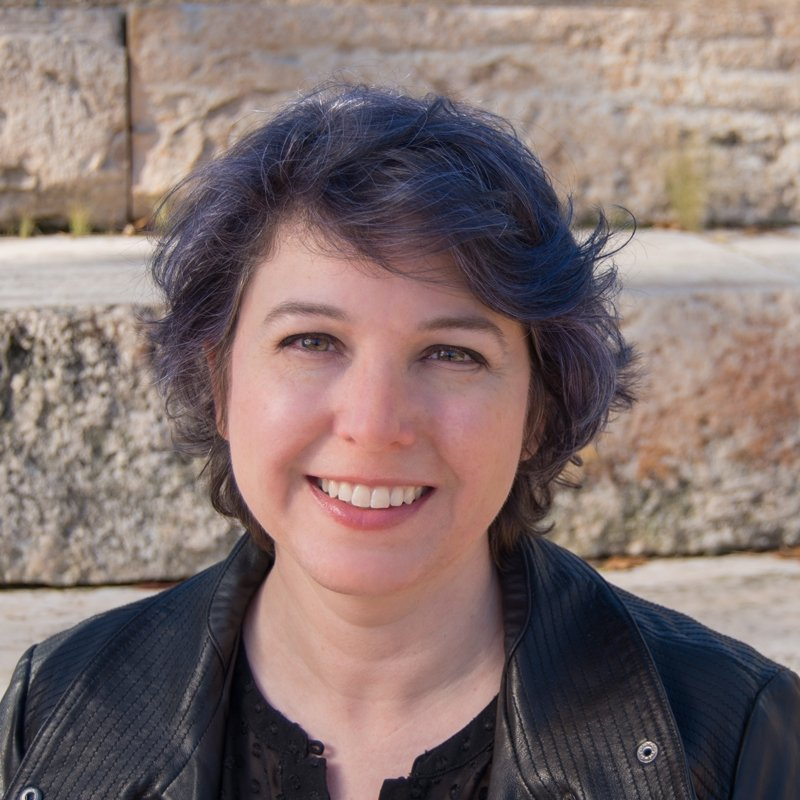
Dixie Willard is an operations strategist and educator who helps interior design firms get out of survival mode and into systemized, sustainable businesses. Through Poised & Plumb, she specializes in SOPs, risk management, and the practical workflows that keep firms running when the owner cannot be everywhere at once. She is a returning guest on the AI for Interior Designers™ Podcast, a contributor at LuAnn University, and is joining Jenna as a guest instructor for Q2 of the AI for Interior Designers™ Certificate Program.
Visit Poised & Plumb ↗The Short Answer
The biggest operational bottleneck in most design firms is not a software problem. It is a documentation problem. The how-tos for nearly everything — receiving furniture, onboarding a new employee, handling a damage claim — live entirely in the owner's head. AI has finally made it possible to get those processes out and into a format your whole team can access, without sitting down to write a single word.
What SOPs Actually Are (And Why Every Firm Needs Them)
SOP stands for Standard Operating Procedure. The simplest way to think about it: SOPs are the how-to guides for everything in your business. How do you receive a furniture shipment? What happens when a new employee starts? What do you do when something arrives damaged? Every one of those answers is a potential SOP.
For years, well-organized firms kept these in binders. Most firms did not keep them at all — the knowledge just lived with the owner. Now, with AI, every firm can have the kind of documented, searchable, team-ready processes that used to require a dedicated operations team.
The barrier is not effort anymore. It is getting started.
Voice-First Workflows: Getting It Out of Your Head
The reason most designers never build SOPs is the blank page. Sitting down to write a procedure from scratch, in the right order, with all the right detail — it is paralyzing. The fix is to stop thinking about it that way entirely.
You do not need to write anything. You need to talk.
Next time you are doing a task — inspecting a furniture delivery, walking a client through a proposal, training a new hire — open the notes app on your phone and record yourself doing it. Talk through each step as you go. Include the nuances: what to check for, what to do if something goes wrong, who to call. It does not have to be in order. It does not have to be perfect. AI can organize the transcript into a clean, usable procedure.
That transcript is also the most authentic version of your voice. There is nothing more true to your brand than your actual words from a real task. That is what you are bringing into your AI model — not a generic template someone else wrote.
For voice-to-text, both Jenna and Dixie use whatever is built into their phone. Samsung users have strong native widget options. iPhone users have standard voice memo and transcription features. The tool matters less than the habit of reaching for it.
Google NotebookLM: Your Firm's Private Brain
Google NotebookLM is the tool Dixie comes back to most often when helping design firms build operational systems — and it is already included if you have Google Workspace.
Here is how it works for SOPs: you create a notebook in NotebookLM and feed it your sources. Those sources can be Google Docs, voice transcripts, checklists, procedure notes — anything you have already captured. NotebookLM organizes it all and makes it queryable. Your team does not need to know which document the information is in. They just ask: "How do I receive a furniture shipment?" and get the answer.
A few things that make it especially useful for design firms:
Migrating from ChatGPT to Claude: What to Bring and What to Leave
If you have been using ChatGPT for a while and are moving to Claude, you do not need to import your entire chat history. Jenna made the deliberate choice not to — and it freed her from years of messy, contradictory conversations she did not want influencing the model.
The things worth bringing over are the things that define your brand and your work: your brand voice guide, your SOP documents, any structured knowledge you have already built. That is what trains the model to sound like you. The thousands of small, exploratory conversations you had along the way? You do not need them.
Think of it as a clean start with your best material already loaded in. Not a loss — a reset.
If you do have specific project conversations worth preserving, bring those over selectively. But do not let the weight of three years of chat history stop you from making the move.
SOPs as a Business Continuity Tool
Dixie teaches risk and crisis preparation alongside operations, and she frames SOPs through one simple question: if you were suddenly unavailable for a week, what would happen to your business?
Could someone step in and receive a furniture delivery correctly? Could they find the login for every software seat your team holds? Could they know which vendor to call about a damage claim?
If the answer to any of those is "they would have to call me," that is a documented process waiting to be written. And the version of that process you write today does not have to be perfect. Start with what happens when everything goes right. Then come back and add what to do when it does not.
The designers Dixie sees lose the most time are not the ones who lacked talent or ideas. They are the ones whose team had no way to function without them in the room.
The End of SaaS Dependency
One of the bigger shifts both Jenna and Dixie see coming is the move away from stitching together five different SaaS tools to get one workflow to function. Designers used to find a tool that did 70% of what they needed, then another tool for the other 30%, and then manage the gap between them forever.
AI is changing that. The ability to build your own lightweight apps and tools — customized to exactly how your firm works, without a recurring subscription — is becoming accessible to designers who have no technical background. You describe what you need. You build it. You own it.
We are not fully there yet. But the direction is clear, and the designers who start building now — even imperfectly — will be ahead when it becomes the standard.
A Simple Action You Can Take This Week
Pick one task you do regularly that only you know how to do. The next time you do it, open the voice notes app on your phone and talk through every step as you go. Include what you are checking for, what a good outcome looks like, and what you would do if something went wrong.
That is it. One process. One recording. You have started. Everything else layers on from there.
Disclaimer: This blog was written using AI as a recap from the recording then edited by the author for accuracy and details.