NOVEMBER
TRAINING CAPSULE
-
![Battle of the Bots: Choosing Your Ideal AI Assistant]()
Week 1- LLM Showdown
Compare different Large Language Models (LLMs) like ChatGPT, Claude, and Perplexity. This module helps you discover which AI assistant works best for different aspects of your design workflow, from content creation to client communication.
Learn the strengths and weaknesses of various AI models to find what works best for you.
-
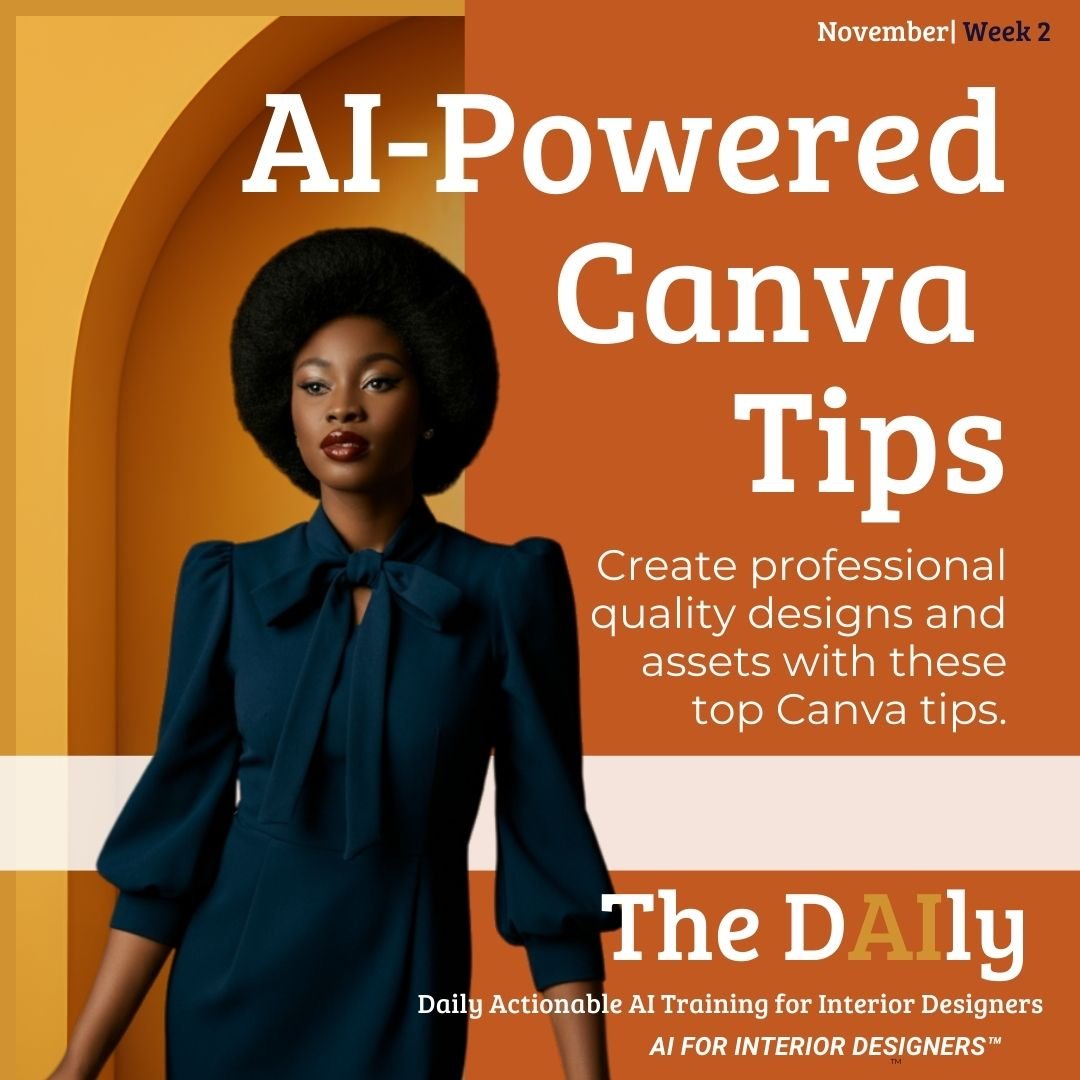
![AI-Powered Canva Tips cover with a stylish woman in a blue dress, promoting design strategies for interior designers. Includes text about creating professional quality designs and assets using Canva.]()
Week 2- AI Powered Canva Tips
Learn tips for interior designers to create better images and content using Canva’s AI-infused tools in unique ways. Discover how to leverage features such as background removal, magic resize, and AI-powered design suggestions to elevate your projects. Experiment with color palettes generated by AI to find the perfect combination that resonates with your aesthetic vision. Integrate text effects and animations to make your presentations more dynamic and engaging. Use the AI-driven brand kit to maintain consistency across all your designs, ensuring a cohesive and professional look.
Create professional-quality designs and assets with these top Canva tips.
-
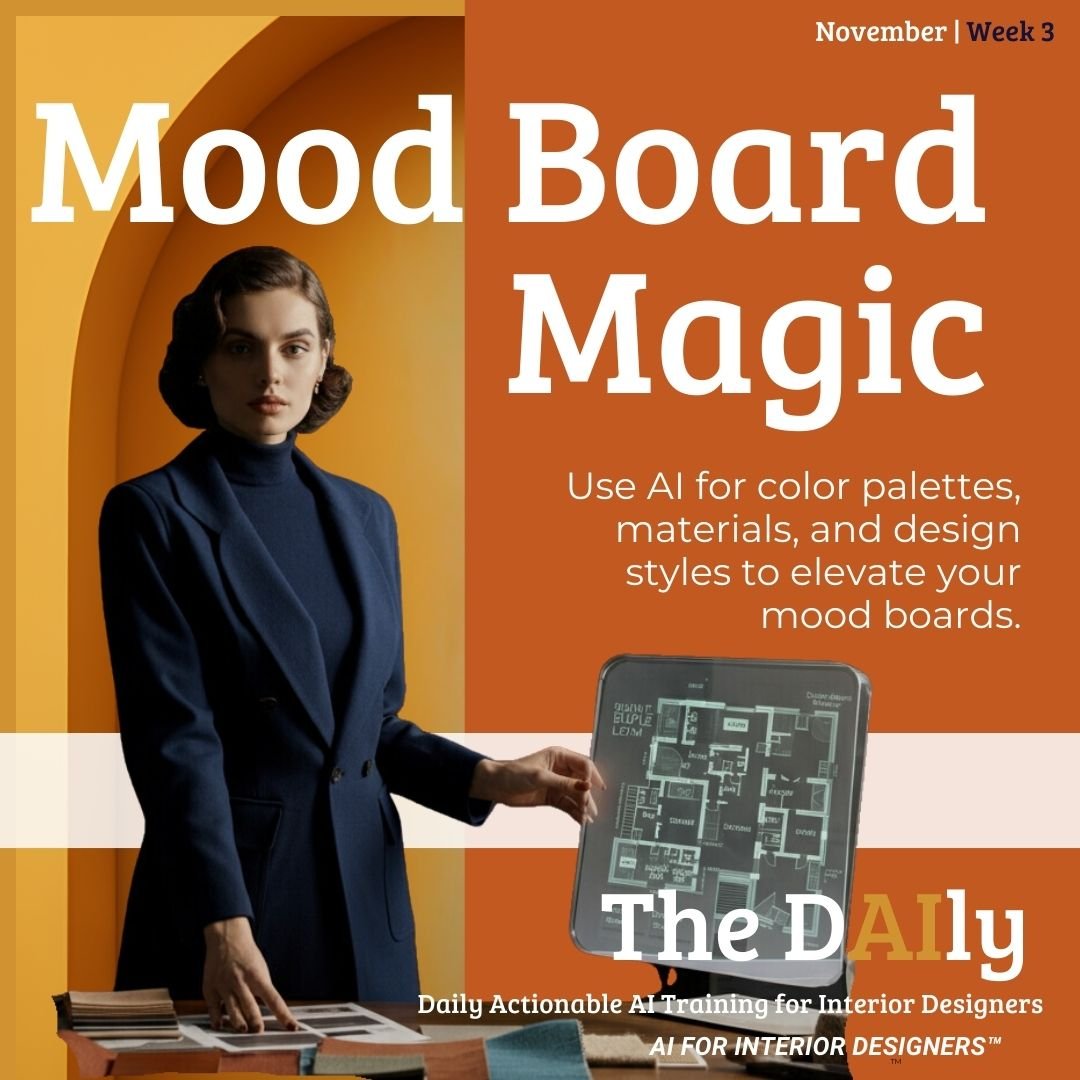
![Mood Board Alchemy: AI-Enhanced Visuals for Designers]()
Week 3- Mood Board Magic
Use AI tools like Canva, Photoshop, and generative AI tools to craft mood boards quickly and effectively. This module focuses on generating creative, visually appealing mood boards that showcase your design ideas to clients.
Use AI for color palettes, materials, and design styles to elevate your mood boards.
-
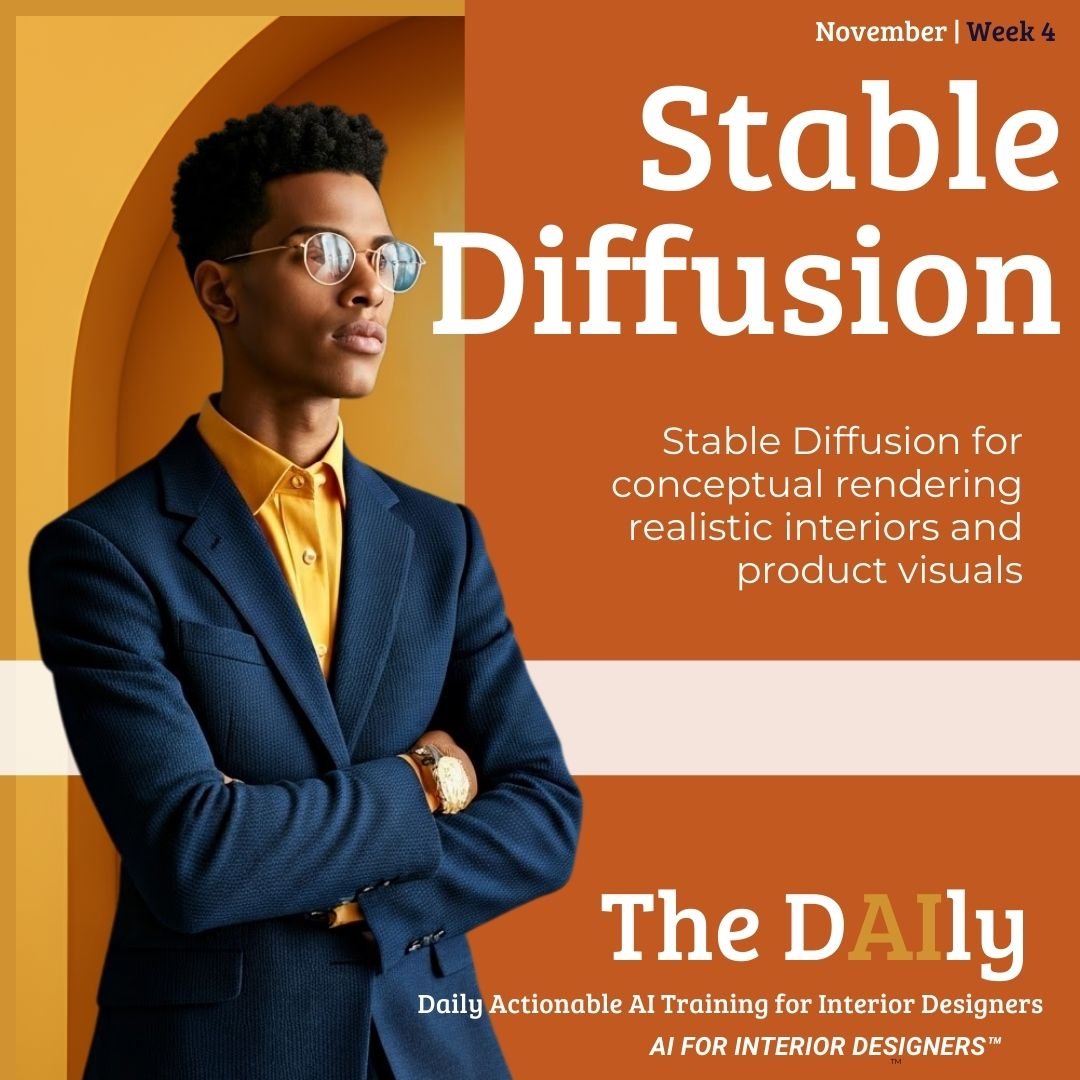
![Stable Magic: Rendering Realities with AI]()
Week 4- Stable Diffusion
Learn how to use Stable Diffusion to create photorealistic renderings. This module is perfect for designers looking to add depth and realism to their digital projects through AI-generated textures and finishes.
Stable Diffusion for conceptual rendering realistic interiors and product visuals